Improving Workflow Without More Monitors
Browse photos of professional trading desks and one detail stands out immediately: rows of large monitors displaying charts, news feeds, and market data. It is easy to assume that more screens automatically lead to better performance. In reality, productivity often depends less on hardware and more on how efficiently a trader terminal is organized.
An overcrowded workspace can create as many problems as an undersized one. Constantly shifting attention between charts, indicators, and watchlists increases mental fatigue, especially during active market sessions.
Efficiency comes from reducing unnecessary decisions.
Organize Information by Priority
Not every window deserves equal attention.
The chart you are actively trading should remain central, while watchlists, open positions, and economic calendars should be visible without dominating the screen. Information that is rarely used can stay collapsed until needed.
A well-organized layout allows important data to stand out instead of competing for attention.
Use Alerts Instead of Watching Every Chart
Many traders believe they need multiple monitors because they follow dozens of markets simultaneously.
Surprisingly, price alerts often eliminate that requirement. Instead of constantly switching between charts, define important price levels and allow the platform to notify you when action is required.
Less screen time can actually improve concentration because attention is directed only toward meaningful events.
Save Layouts for Different Trading Sessions
Imagine starting the European trading session with a workspace focused on major currency pairs and economic news. Later in the day, attention shifts toward U.S. markets and different instruments become more relevant.
Rather than rearranging every chart manually, saved layouts allow the workspace to change instantly while preserving familiar organization. Valuable time stays focused on market analysis instead of window management.
Preparation begins before the first trade.
Remove Tools That Do Not Influence Decisions
Over time, many trading platforms become crowded with indicators, news panels, and custom windows that are rarely used.
Each additional element demands a small amount of attention, even if it contributes nothing to the current trading decision. Removing unnecessary features often creates a cleaner workspace where genuinely useful information becomes easier to recognize.
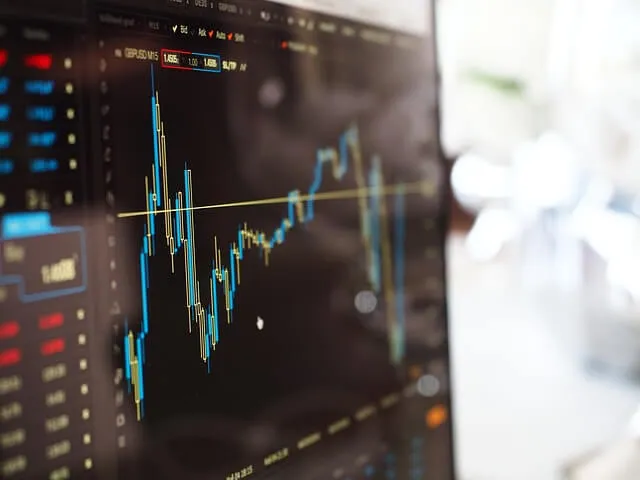
Image Source: Pixabay
Adding less can produce more.
Workflow Depends More on Habits Than Equipment
One of the biggest misconceptions is that buying additional monitors automatically improves productivity.
Experienced traders often build efficient routines using surprisingly simple setups. They rely on keyboard shortcuts, saved templates, organized watchlists, and carefully planned layouts rather than constantly expanding their hardware.
This is where a trader terminal becomes a productivity tool rather than simply a place to execute trades. The objective is not to display the greatest amount of information but to make the most important information immediately accessible when decisions matter.
Before investing in another monitor, spend time evaluating how your current workspace is organized. Rearranging windows, removing distractions, and creating a more intentional workflow may improve trading efficiency far more than increasing the size of your desk.